CLOSE a Cursor in SQL Server 2025
Objective: Close an open cursor while understanding what remains allocated.
CLOSE employee_cursor; ends use of the cursor's current result set. The cursor still exists and can be reopened. CLOSE is different from DEALLOCATE and different from ending a transaction.
Close and reopen
After the Lesson 2 setup, run the following as one batch:
DECLARE employee_cursor CURSOR
LOCAL FAST_FORWARD
FOR SELECT EmployeeID, EmployeeName
    FROM #Employees
    ORDER BY EmployeeID;
OPEN employee_cursor;
FETCH NEXT FROM employee_cursor; -- first row
CLOSE employee_cursor;

OPEN employee_cursor;            -- execute the query again
FETCH NEXT FROM employee_cursor; -- first row of the reopened result
CLOSE employee_cursor;
DEALLOCATE employee_cursor;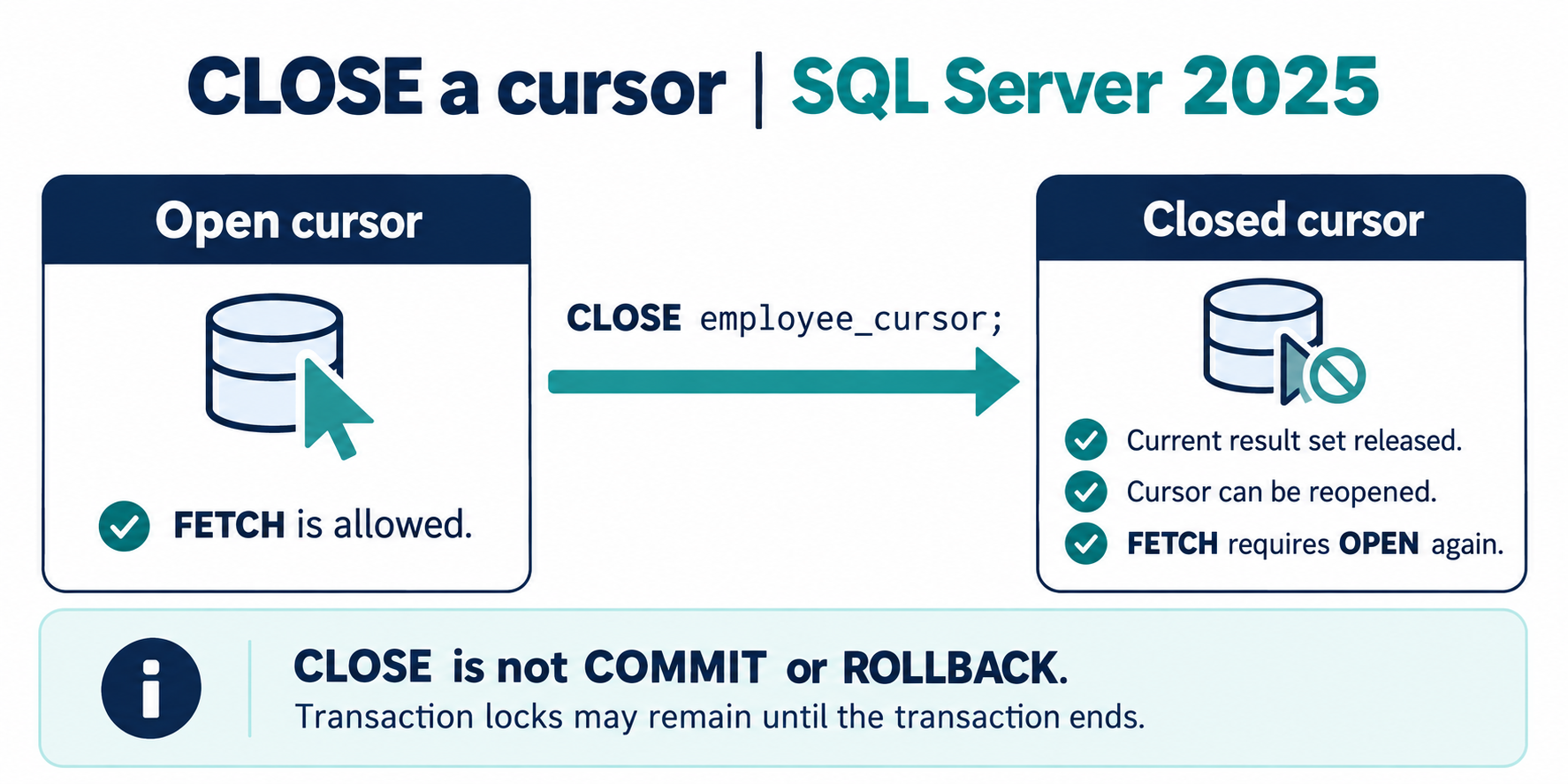
What CLOSE does not do
It does not remove the named cursor reference. It does not commit or roll back updates. Transaction locks can remain until the transaction ends, even after cursor cleanup. Fetching or using WHERE CURRENT OF requires the cursor to be open again.
Only close an open cursor. Calling CLOSE immediately after DECLARE, or closing an already closed cursor, is an error. In a cleanup routine, use CURSOR_STATUS to check whether closing is appropriate.
IF CURSOR_STATUS('local', 'employee_cursor') >= 0
    CLOSE employee_cursor;
That condition covers the open states, including an empty open result. For this named local cursor, -1 means closed and -3 means the name does not exist. A dynamic cursor's open status is not proof that it contains any rows.
Separate closure from final cleanup
Reopen only when the program deliberately needs another pass. When finished, release the remaining reference with DEALLOCATE. The next lesson covers that step, aliases, and error-path cleanup.