OPEN a Cursor in SQL Server 2025
Objective: Open a declared cursor and distinguish opening from fetching.
The correct command is OPEN employee_cursor;. Do not insert the keyword CURSOR after OPEN. The cursor must have been declared and must not already be open.
Declaration, opening, and the first row
After the Lesson 2 setup, execute this as a single batch:
DECLARE employee_cursor CURSOR
LOCAL FAST_FORWARD
FOR SELECT EmployeeID, EmployeeName
    FROM #Employees
    ORDER BY EmployeeID;
OPEN employee_cursor;
FETCH NEXT FROM employee_cursor;
CLOSE employee_cursor;
DEALLOCATE employee_cursor;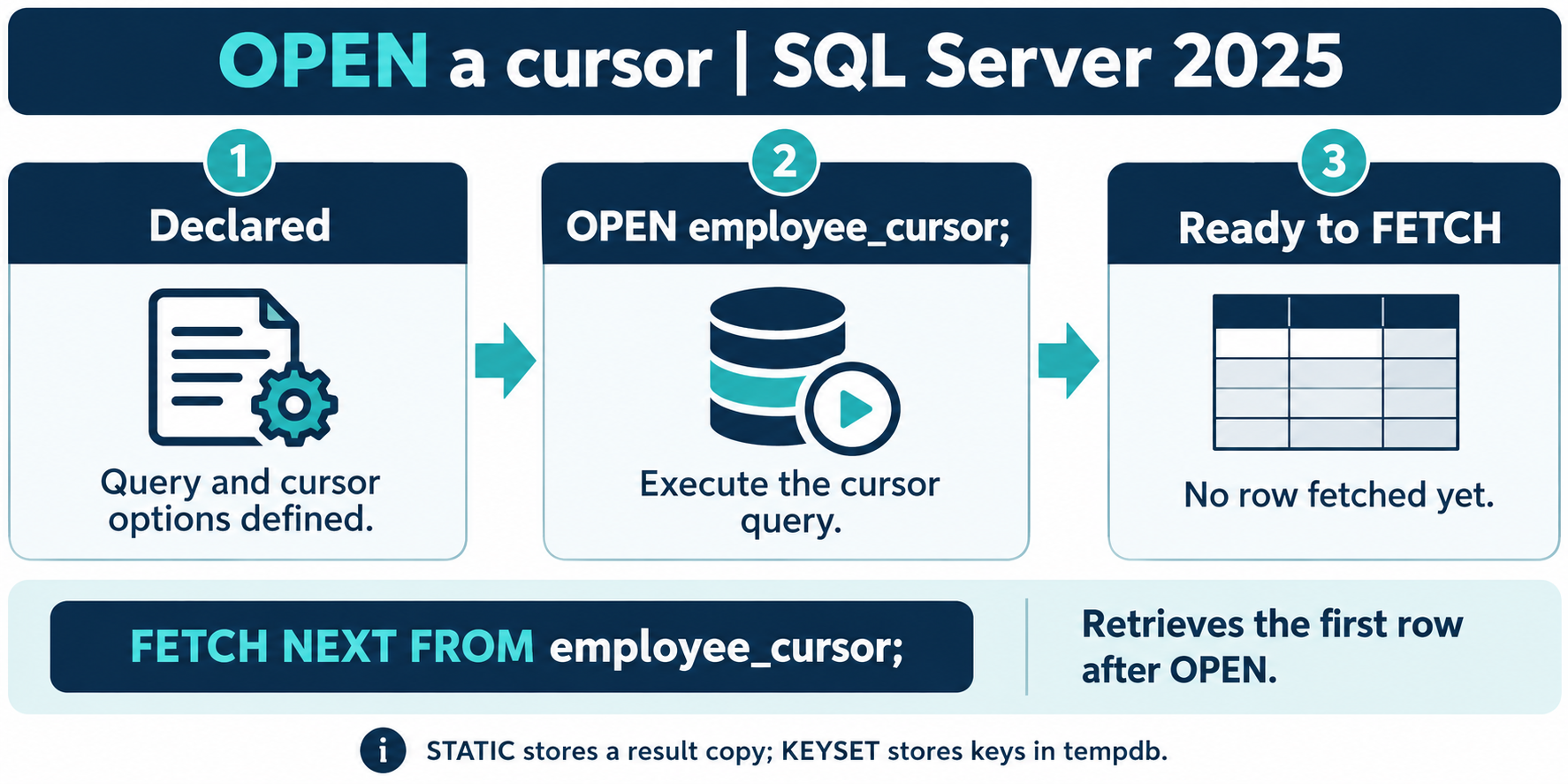
What OPEN does
OPEN executes the query associated with the declaration. Work depends on cursor type: STATIC creates a result copy, while KEYSET builds the keys used to track membership. Those worktables use tempdb. Do not assume every cursor materializes the same kind of result.
After OPEN, the cursor is positioned before the first row. The initial FETCH NEXT returns the first qualifying row. A query with no qualifying rows can still be opened successfully; the fetch status then tells the loop that there is no row to process.
Scope and reopening
Use OPEN GLOBAL cursor_name; when deliberately referring to a global cursor that could be shadowed by a local name. A cursor variable can be opened with OPEN @cursor_variable;.
After CLOSE, the retained cursor can be opened again. Reopening runs the cursor query again, so a newly constructed result can differ from the previous one. After its last reference is deallocated, there is no cursor left to reopen.
Check the right condition
Opening is not proof that the result is nonempty, and an estimated or unavailable row count is not a loop condition. Use FETCH followed immediately by @@FETCH_STATUS to decide whether to process a row.