How to Declare a Cursor in SQL Server 2025
Objective: Write an explicit cursor declaration with suitable scope and processing options.
Use DECLARE cursor_name CURSOR ... FOR SELECT ...; to define a Transact-SQL cursor. For a forward-only, read-only pass, LOCAL FAST_FORWARD is a useful starting choice. Declaration defines the query and options; OPEN starts execution of the cursor query.
A practical declaration
Run the temporary-table setup from Lesson 2 first. Then declare the cursor in the same batch as its later use:
DECLARE employee_cursor CURSOR
LOCAL FAST_FORWARD
FOR SELECT EmployeeID, EmployeeName
    FROM #Employees
    ORDER BY EmployeeID;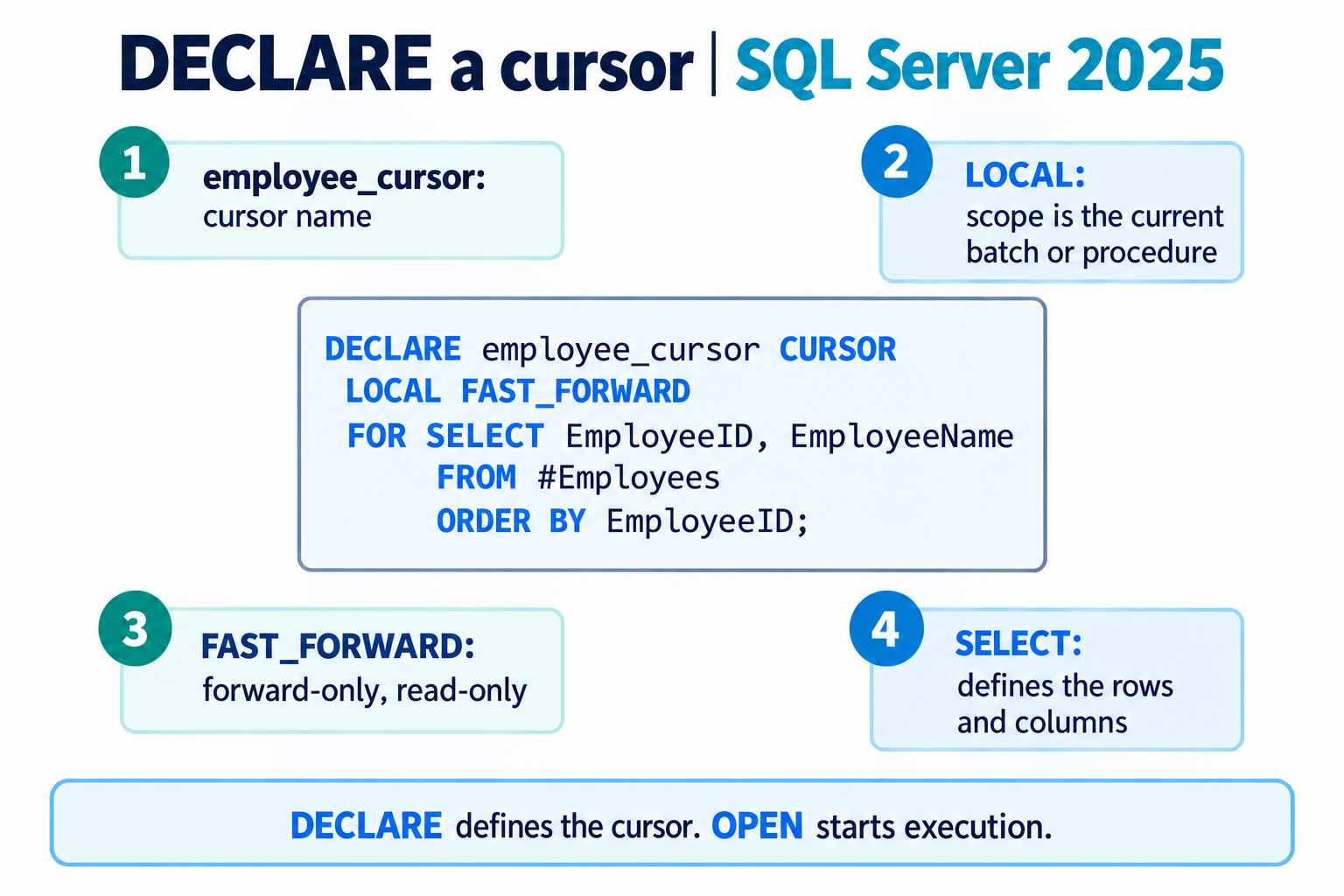
Read the declaration
employee_cursoris the cursor name, not a table.LOCALmakes the scope explicit.FAST_FORWARDrequests a forward-only, read-only cursor with optimizations.- The SELECT lists only the needed columns and orders rows by a unique identifier.
When you need scrolling
Use a separate declaration such as the following for a read-only stable result that supports backward and absolute navigation:
DECLARE employee_scroll CURSOR LOCAL SCROLL STATIC READ_ONLY
FOR SELECT EmployeeID, EmployeeName
    FROM #Employees ORDER BY EmployeeID;
-- OPEN, FETCH, CLOSE, and DEALLOCATE belong in this same batch.
Do not combine this with FAST_FORWARD. A STATIC cursor copies its result when opened; it is not a continuously refreshed view of the source table. A cursor name also cannot be reused in the same scope until the prior named reference is deallocated.
Common mistakes
Avoid SELECT * when a stable column list is required for FETCH INTO. Do not insert GO between declaration and use of a LOCAL cursor. Check SELECT permission for the objects used by the query. If requested cursor properties conflict with the SELECT, inspect any conversion rather than assuming the requested type was retained.
Complete copyable example
Run the following in a fresh query session. It includes its own setup and cleanup.
CREATE TABLE #Employees (
    EmployeeID int NOT NULL PRIMARY KEY,
    EmployeeName nvarchar(50) NOT NULL
);
INSERT INTO #Employees (EmployeeID, EmployeeName)
VALUES (101, N'Ana'), (102, N'Ben'), (103, N'Chen');

DECLARE employee_cursor CURSOR
LOCAL FAST_FORWARD
FOR SELECT EmployeeID, EmployeeName
    FROM #Employees
    ORDER BY EmployeeID;

DECLARE @EmployeeID int, @EmployeeName nvarchar(50);
OPEN employee_cursor;
FETCH NEXT FROM employee_cursor INTO @EmployeeID, @EmployeeName;
WHILE @@FETCH_STATUS = 0
BEGIN
    PRINT CONCAT(@EmployeeID, N': ', @EmployeeName);
    FETCH NEXT FROM employee_cursor INTO @EmployeeID, @EmployeeName;
END;
CLOSE employee_cursor;
DEALLOCATE employee_cursor;
DROP TABLE #Employees;