DEALLOCATE and Cursor Cleanup in SQL Server 2025
Objective: Release cursor references and handle cleanup when an error occurs.
DEALLOCATE employee_cursor; removes the association between that name and its cursor. SQL Server frees the cursor's structures when the final reference is removed. A cursor variable can keep the same cursor alive after its named reference is removed.
Normal cleanup
CLOSE employee_cursor;
DEALLOCATE employee_cursor;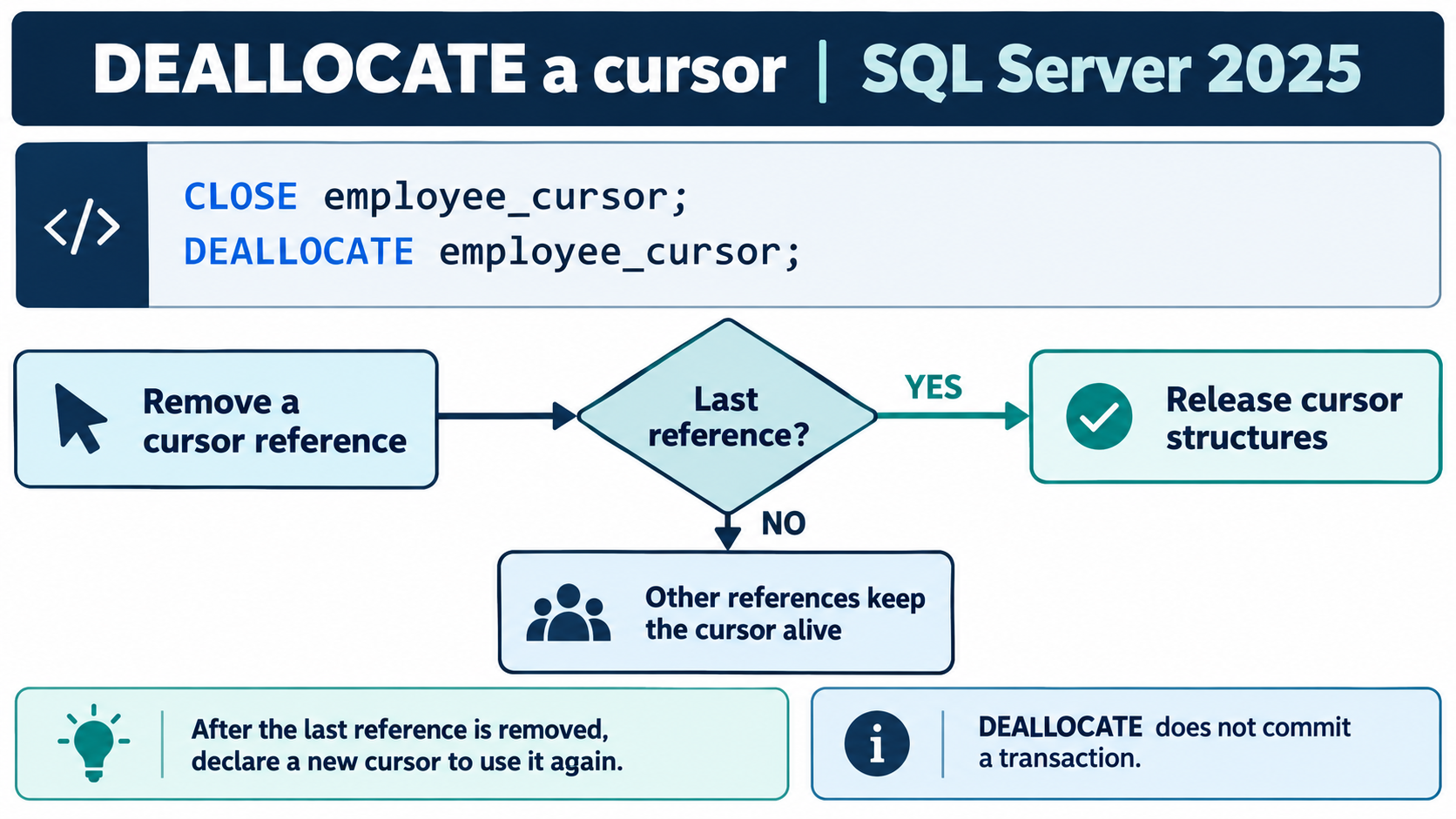
Two references to the same cursor
Run the Lesson 2 setup first. This example deliberately demonstrates an alias:
DECLARE employee_cursor CURSOR
LOCAL FAST_FORWARD
FOR SELECT EmployeeID, EmployeeName
    FROM #Employees
    ORDER BY EmployeeID;
DECLARE @alias CURSOR;
SET @alias = employee_cursor;
OPEN employee_cursor;
DEALLOCATE employee_cursor; -- @alias still references the open cursor
FETCH NEXT FROM @alias;
CLOSE @alias;
DEALLOCATE @alias;          -- final reference removed
Cleanup on the error path
In a fresh query session, run the complete example below. The temporary data avoids changes to a permanent table. The CATCH block checks the named cursor's state before cleanup and then rethrows the original error.
CREATE TABLE #Employees (
    EmployeeID int NOT NULL PRIMARY KEY,
    EmployeeName nvarchar(50) NOT NULL
);
INSERT INTO #Employees (EmployeeID, EmployeeName)
VALUES (101, N'Ana'), (102, N'Ben'), (103, N'Chen');

DECLARE employee_cursor CURSOR
LOCAL FAST_FORWARD
FOR SELECT EmployeeID, EmployeeName
    FROM #Employees
    ORDER BY EmployeeID;
BEGIN TRY
    DECLARE @EmployeeID int, @EmployeeName nvarchar(50);
    OPEN employee_cursor;
    FETCH NEXT FROM employee_cursor INTO @EmployeeID, @EmployeeName;
    WHILE @@FETCH_STATUS = 0
    BEGIN
        PRINT CONCAT(@EmployeeID, N': ', @EmployeeName);
        FETCH NEXT FROM employee_cursor INTO @EmployeeID, @EmployeeName;
    END;
    CLOSE employee_cursor;
    DEALLOCATE employee_cursor;
    DROP TABLE #Employees;
END TRY
BEGIN CATCH
    IF CURSOR_STATUS('local', 'employee_cursor') >= 0
        CLOSE employee_cursor;
    IF CURSOR_STATUS('local', 'employee_cursor') >= -1
        DEALLOCATE employee_cursor;
    DROP TABLE IF EXISTS #Employees;
    THROW;
END CATCH;
The status tests here are for a named local cursor; do not copy them blindly to every cursor-variable or OUTPUT-parameter case. The declaration is outside TRY so the named cursor is visible to both cleanup paths in this batch.
Transactions are a separate responsibility
Cursor cleanup does not undo business changes. If a routine begins a transaction, it must also define commit and rollback ownership. Update-related transaction locks are retained until the transaction ends. Adding an unconditional ROLLBACK to a reusable procedure can interfere with its caller's transaction, so design that behavior explicitly.