| Lesson 8 | Index Tuning Wizard |
| Objective | Use the Index Tuning Wizard (legacy) and apply its modern replacements: Query Store, Database Engine Tuning Advisor (DTA), and Automatic Tuning. |
Index Tuning Wizard (Legacy) and Modern Query Store Tuning Workflow
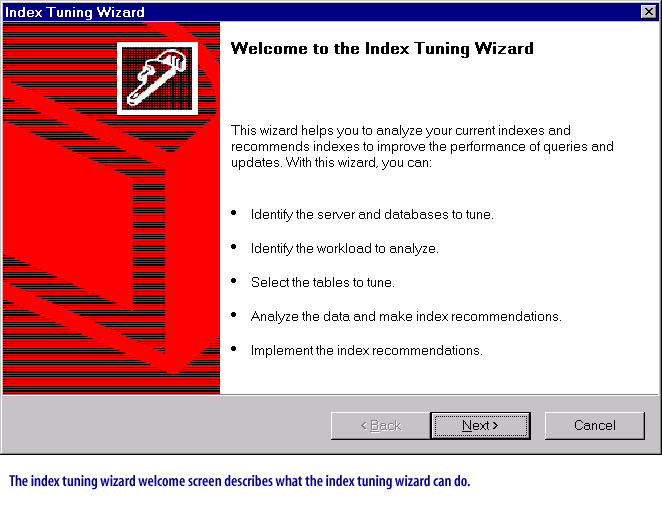
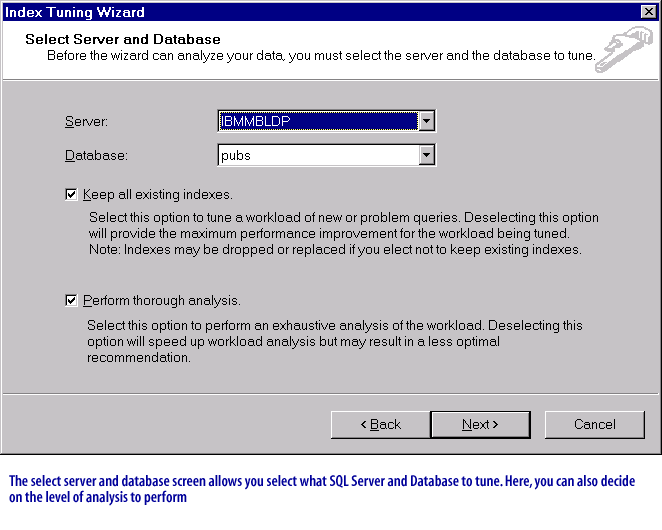
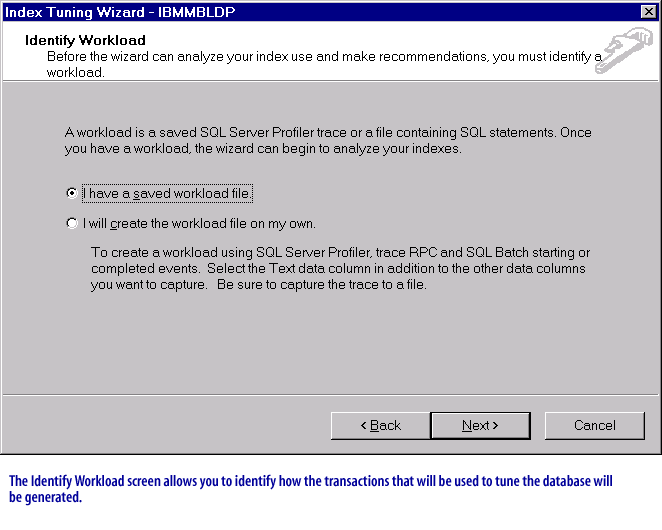
Older SQL Server releases (SQL Server 7.0 / 2000 era) included the Index Tuning Wizard as a guided, “click-through” experience for generating index recommendations from a captured workload. That wizard is now a historical artifact: the UI workflow is no longer the tuning baseline for modern SQL Server.
In current SQL Server environments, the tuning workflow is typically split into two responsibilities:
- Identify candidates (which queries are expensive, regressing, or unstable) using Query Store.
- Evaluate physical design changes (indexes, indexed views, partitioning) using Database Engine Tuning Advisor (DTA), and then validate in a safe rollout path.
Why the Index Tuning Wizard is no longer the right mental model
The Index Tuning Wizard focused on a narrow outcome (index suggestions) and assumed you already had a trace-based workload. Modern SQL Server tuning is broader and more operationally cautious:
- Query Store first: identify the “top” tuning opportunities using observed runtime history (duration, CPU, reads, waits, regressions).
- DTA as a what-if engine: generate a candidate physical design and estimate impact before making changes.
- Automatic Tuning where available: rely on continuous monitoring and plan correction (and, in some platforms, automated index actions) rather than one-off wizard runs.
Modern workflow: Query Store → DTA → validation → controlled deployment
Step 1: Use Query Store to find “top tuning” candidates
Query Store keeps a history of queries, plans, and runtime statistics inside the database. In SSMS, you can quickly surface tuning candidates by focusing on queries that are:
- Top resource consumers (CPU, duration, logical reads).
- Regressed (a previously fast query that now runs much slower due to plan changes or data skew).
- High variance (unstable performance across executions).
Step 2: Feed a workload into Database Engine Tuning Advisor
DTA is the supported successor workflow for index-tuning analysis. Instead of guessing at indexes, you provide a workload and let DTA recommend a candidate physical design (indexes, indexed views, and—where appropriate—partitioning).
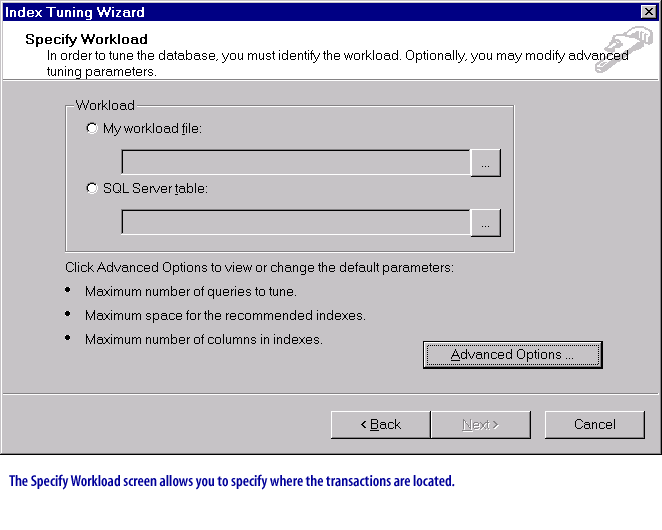
Workload sources commonly include a saved .sql file, plan cache, and (in modern workflows) Query Store as the workload source,
which reduces the need to run trace collection just to tune a database.
Step 3: Validate recommendations before applying them
Treat index recommendations as hypotheses, not instructions. Before applying changes:
- Baseline first: measure the target queries (duration/CPU/reads) before changes.
- Apply in non-production when possible, or apply surgically in production with a rollback plan.
- Watch write overhead: additional indexes can slow inserts/updates/deletes and increase storage.
- Prefer targeted fixes: tune the few high-impact queries rather than generating dozens of speculative indexes.
Step 4: Consider modern “automatic” options
In more recent SQL Server generations and Azure SQL platforms, performance management increasingly centers on Query Store-based features: plan forcing for regressions, and (in certain environments) automated index creation/removal based on observed workload behavior.
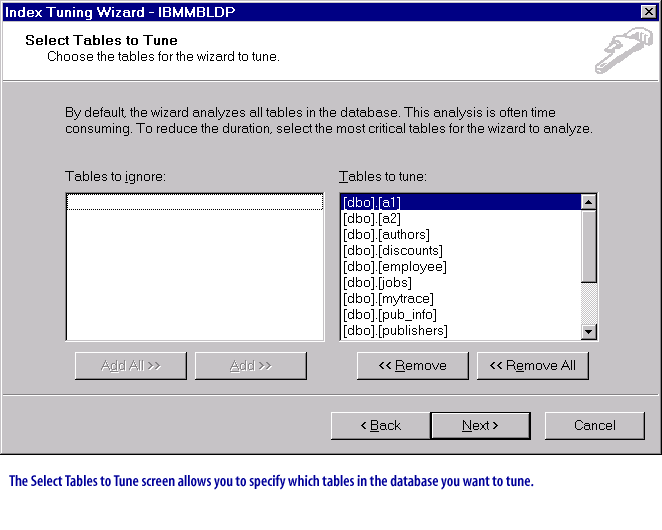
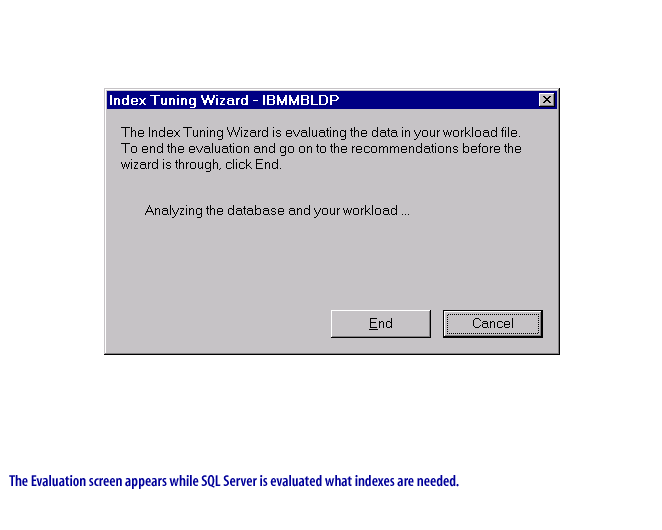
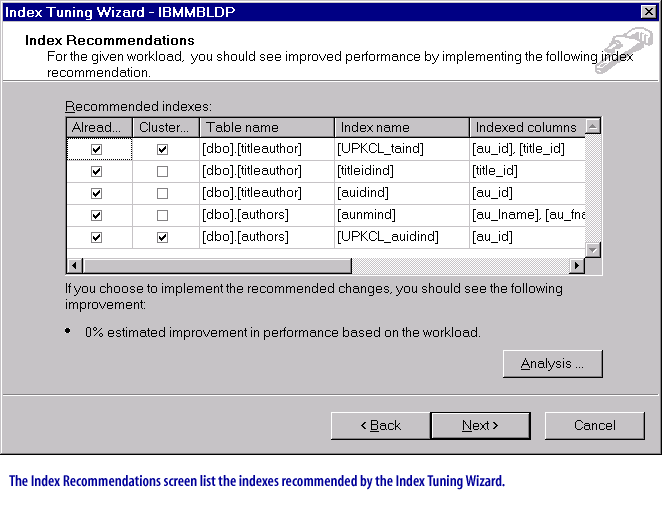
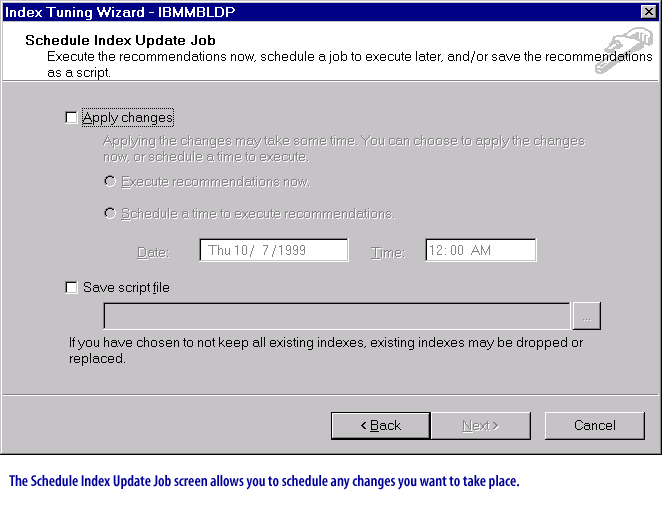
Legacy image gallery: Index Tuning Wizard walkthrough (historical)
The following screens are preserved as historical reference so you can recognize legacy tuning workflows when maintaining older documentation or troubleshooting older environments. In modern practice, use Query Store and DTA as described above.
In the next lesson, you will transition from “wizard-driven” tuning to a repeatable analysis workflow using Query Store reports and measured validation.